3Dillo for interior designers
Walk your client through the finished room before anything is ordered.
3Dillo turns a floor plan into furnished, lit rooms, as photoreal stills and a walkthrough video, so an interior designer can show a client the layout, scale and flow of a space at the space-planning stage, before furniture is ordered or a wall moves.
Open the studio, sign in free and open your DWG or DXF: it shows in 3D, and Render (100 credits, or included with Premium) makes four photoreal stills of its walls and shell right there. For furnished rooms and a walkthrough video, have Dillo draw the plan and render it. For your own DWG or DXF furnished and walked through, send a note from the contact page: we reply by email, you attach the drawing to that reply, and we deliver the renders.
The problem, and the fix
What gets in the way, and how 3Dillo handles it
Clients cannot picture a room from a plan and a finish board.
Walk them through it: every room furnished and lit, from the front walk through the house, rendered from the floor plan.
A mood board shows the look, not the space.
A render shows how the rooms connect and how furniture sits in each one, with walls, doors and windows where the drawing puts them.
Every layout change means a new presentation.
Change the plan and render it again at the same flat 100 credits, or unlimited for 12 months on the 3Dillo Premium founding offer.
3D modelling is a second job.
Nothing to model: 3Dillo furnishes, lights and renders each room of a ready-made template or a plan Dillo draws, and we deliver the same from a DWG or DXF you send us.
Rendered with 3Dillo
Real renders, from floor plans
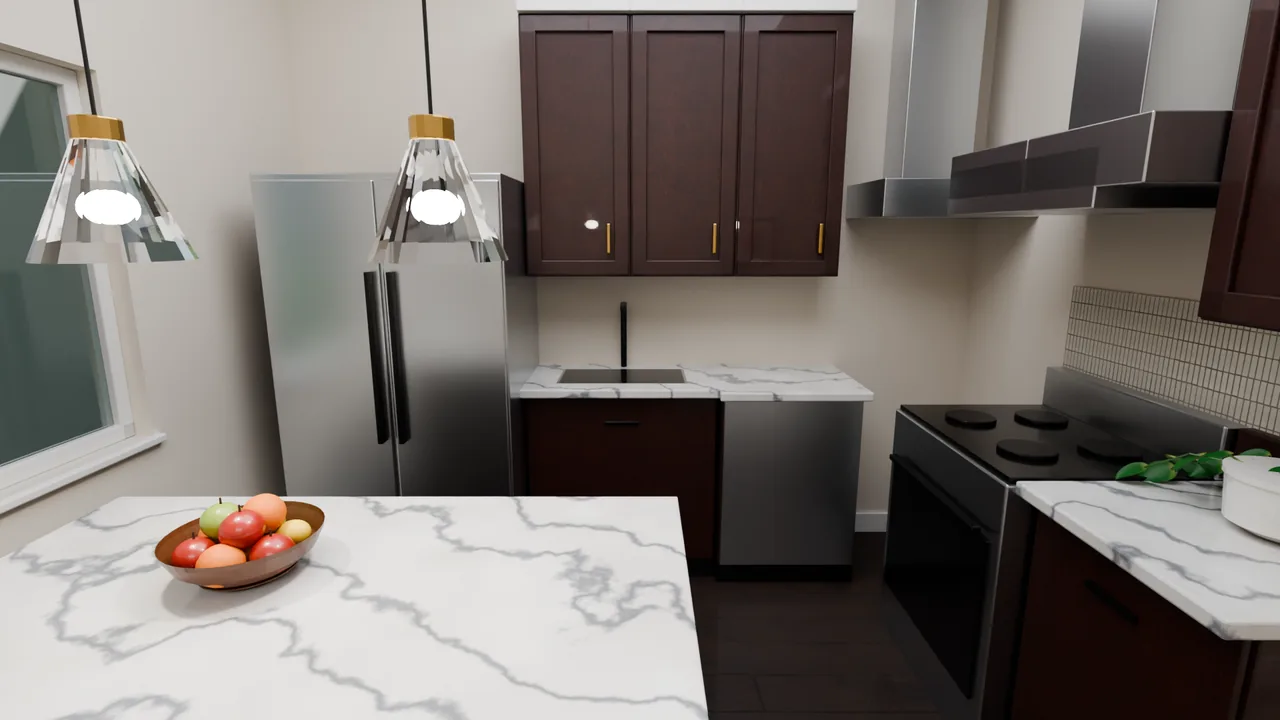
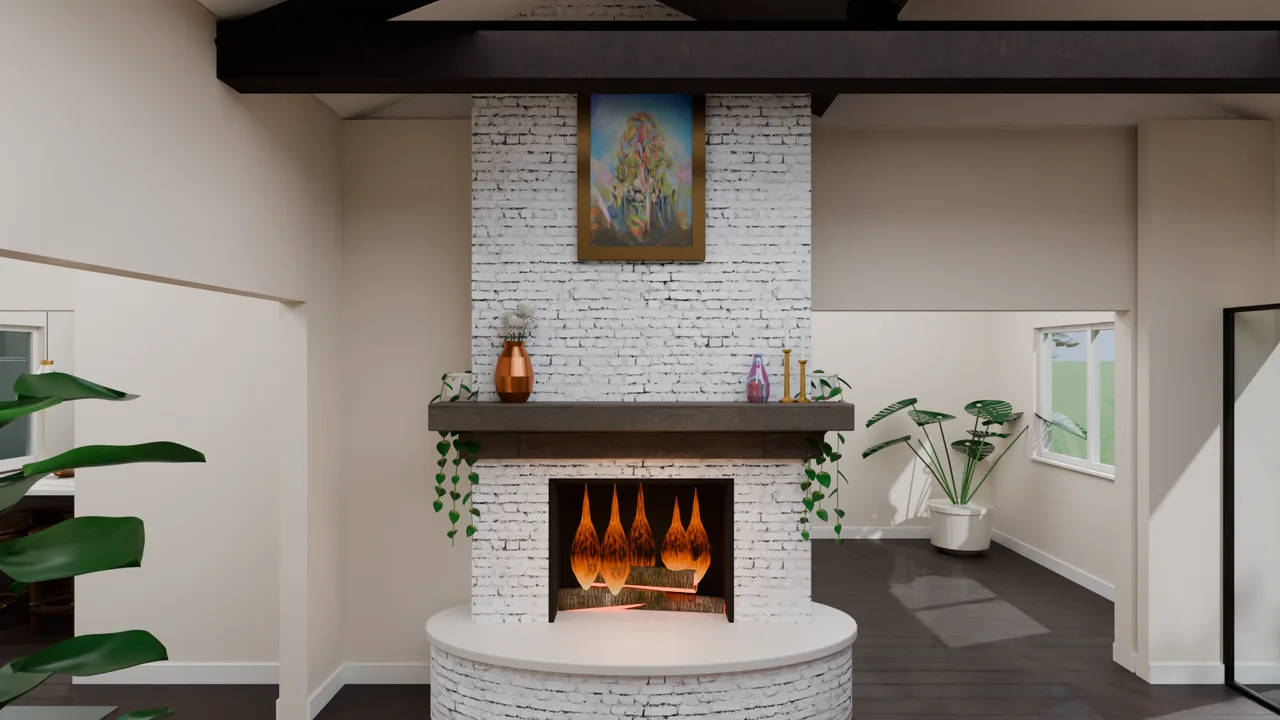
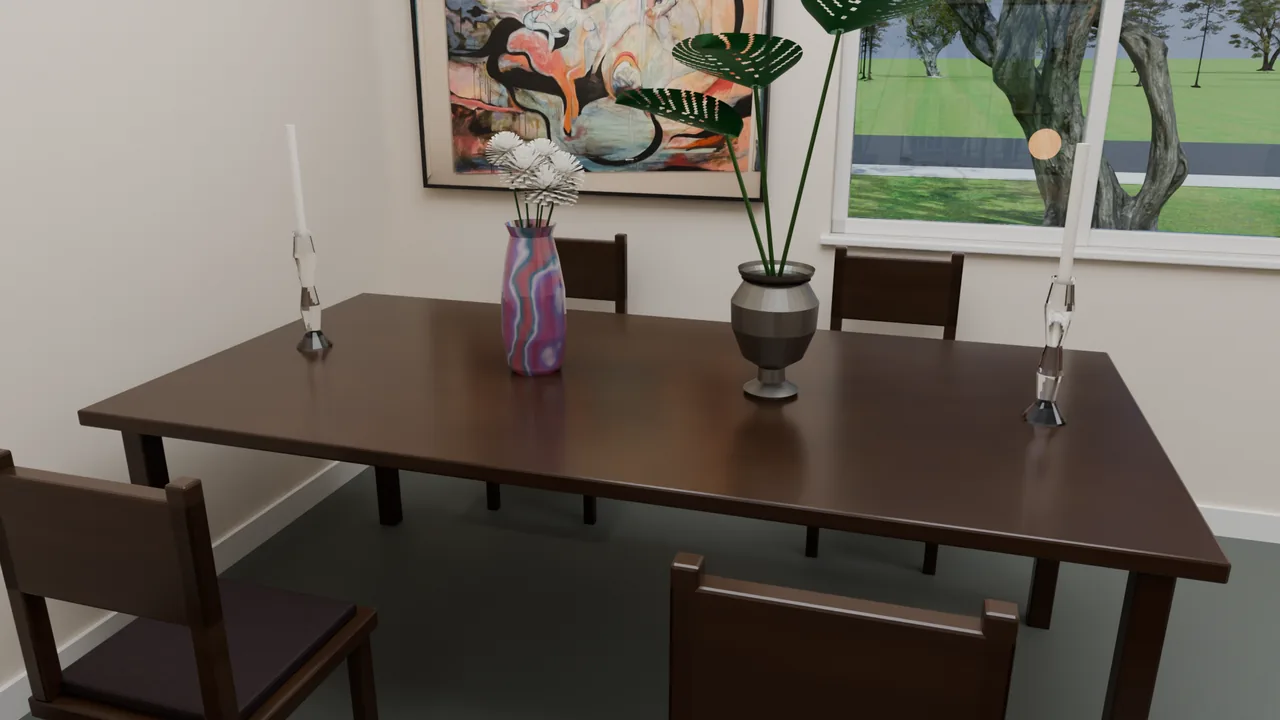
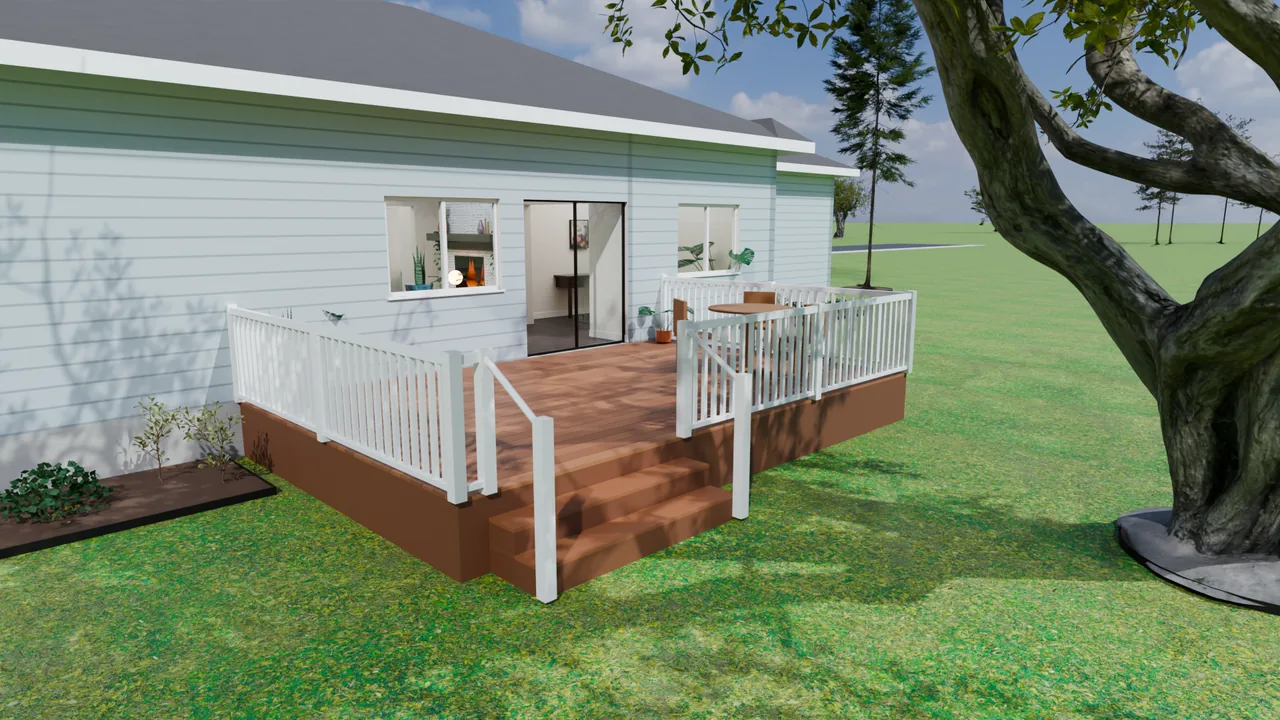
Every image on this page is a 3Dillo render of a building drawn as a floor plan first. Nothing here was modelled by hand.

What you get
- Photoreal stills of every room (PNG) for client presentations
- A walkthrough video (MP4) from the front walk through every room
- Residential rooms and commercial interiors, such as an open office floor
- The rights to the renders for proposals and your portfolio
Pricing
3Dillo Premium: $99 a month or $950 a year. Founding offer, limited time: unlimited 3D renders and drawings for 12 months, price locked.
Pay as you go: 100 credits per render, flat. Teams: Consulting, starting at $499 a month.
Unlimited is subject to fair use and available rendering capacity. The founding offer runs 12 months from signup; renewals are at the then-current Premium terms. Full terms.
Interior designers: questions
Can I show a client a furnished room before they buy anything?
Yes. 3Dillo renders each room of the floor plan furnished and lit for what it is, as photoreal stills and a walkthrough video your client can watch before anything is ordered.
Open the studio, open the plan and press Render (100 credits, or included with Premium).
Can I choose the furniture, fabrics, paint colours and materials in a render?
No. 3Dillo furnishes and lights each room itself, for what the room is; you do not pick products, fabrics, paint colours or materials, and colours on screen are not a colour match.
Use the render to show the space planning, scale and flow of the rooms, and present your own finish selections alongside it.
Where does 3Dillo fit in schematic design and design development?
Early. A render is most useful at schematic design, when the client is deciding on the layout and how the rooms relate, before the FF&E is specified.
It does not produce FF&E schedules, specifications or construction documents. Furniture, finishes, lighting and materials in a render are illustrative: a render is a visualisation of the drawing, not a construction document.
Does 3Dillo virtually stage photos of a room?
No. 3Dillo renders rooms from a floor plan; it does not edit, restyle or stage photographs.
For a remodel, give it a floor plan of the rooms as they will be, and it renders that plan furnished and lit.
What do I need to start an interior project?
A DWG or DXF floor plan is the best start, so ask the architect or builder for theirs. Without one, start from a ready-made 3D template, or describe the space to Dillo, the AI drafter, which draws the plan first.
Open the studio, open the plan and press Render (100 credits, or included with Premium). Opening, viewing and exporting DWG and DXF files never uses credits.
Can 3Dillo render commercial interiors such as offices?
Yes. 3Dillo renders commercial plans as well as houses, including multi-storey offices and strip centers; the office interior on this page is one of them.
Each room is furnished for its use: desks, task chairs and monitors on an office floor.
Can I put the renders in client presentations and my portfolio?
Yes. You keep the rights to your drawings and to the renders made from them. Use them in presentations, proposals, on your website and in your portfolio.
Furniture, finishes, lighting and materials in a render are illustrative: a render is a visualisation of the drawing, not a construction document.
How are the renders delivered to me?
Photoreal stills come as PNG images and the walkthrough as an MP4 video. Renders run on a queue and come back in the studio, where you open them full size; a walkthrough video takes longer than stills, because it is more than a thousand rendered frames.
Finished files are kept for 30 days and then deleted, so download what you want to keep.
What does 3Dillo cost for a design studio?
3Dillo Premium is $99 a month or $950 a year, and as a limited-time founding offer it includes unlimited 3D renders and unlimited AI floor plan drawings for the first 12 months, at a price locked for those 12 months, subject to fair use and available rendering capacity. Every 3D render is 100 credits, flat: a set of photoreal stills or a walkthrough video, a first render or a re-render after an edit.
A studio with several designers can use Consulting, the Enterprise plan, which starts at $499 a month, runs on dedicated cloud GPU capacity and is priced on seats and usage.
Are client floor plans kept private?
Renders run on our own machines first. When those are busy, a job may run on rented GPU servers at RunPod in their Secure Cloud data centers, and the scene file and output are deleted from the rented server when the job ends.
Scene files and rendered stills and videos are stored for 30 days, then deleted. The privacy policy lists every processor.