3Dillo for builders
Let buyers walk the plan before you break ground.
3Dillo renders a furnished, lit walkthrough video and photoreal stills from a house or commercial floor plan, so a builder can market every plan it sells, built or not, and show owners what they are getting before construction starts.
Open the studio, sign in free and open your DWG or DXF: it shows in 3D, and Render (100 credits, or included with Premium) makes four photoreal stills of its walls and shell right there. For furnished rooms and a walkthrough video, have Dillo draw the plan and render it. For your own DWG or DXF furnished and walked through, send a note from the contact page: we reply by email, you attach the drawing to that reply, and we deliver the renders.
The problem, and the fix
What gets in the way, and how 3Dillo handles it
You sell plans nobody can tour yet.
Give every plan in your catalogue its own walkthrough: send us the DWG or DXF and we deliver it, or have Dillo draw the plan.
A model home shows one plan.
A rendered walkthrough shows every plan you sell, furnished, not only the one you built as a model.
Buyers misread the plan and change it late.
They see the rooms furnished at the start, from the front walk through every room, before work begins.
A plan revision means new marketing.
Re-render after an edit at the same flat 100 credits, or unlimited for 12 months on the 3Dillo Premium founding offer.
Rendered with 3Dillo
Real renders, from floor plans
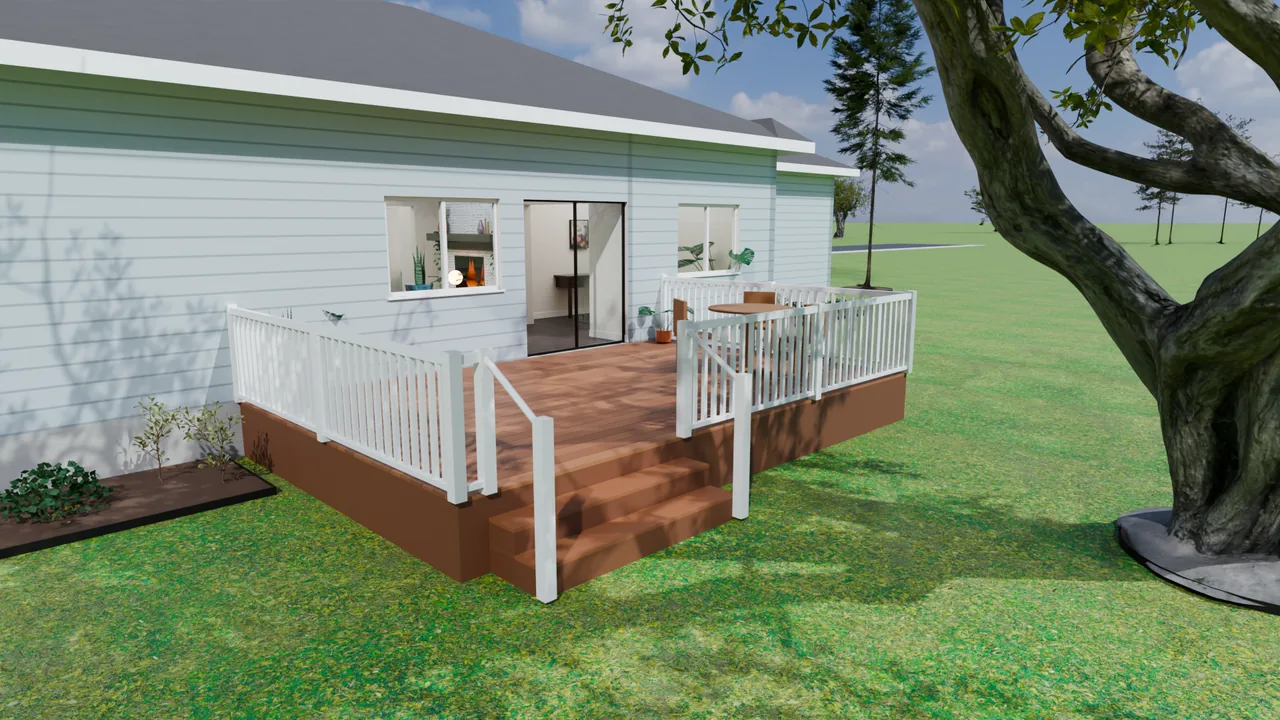
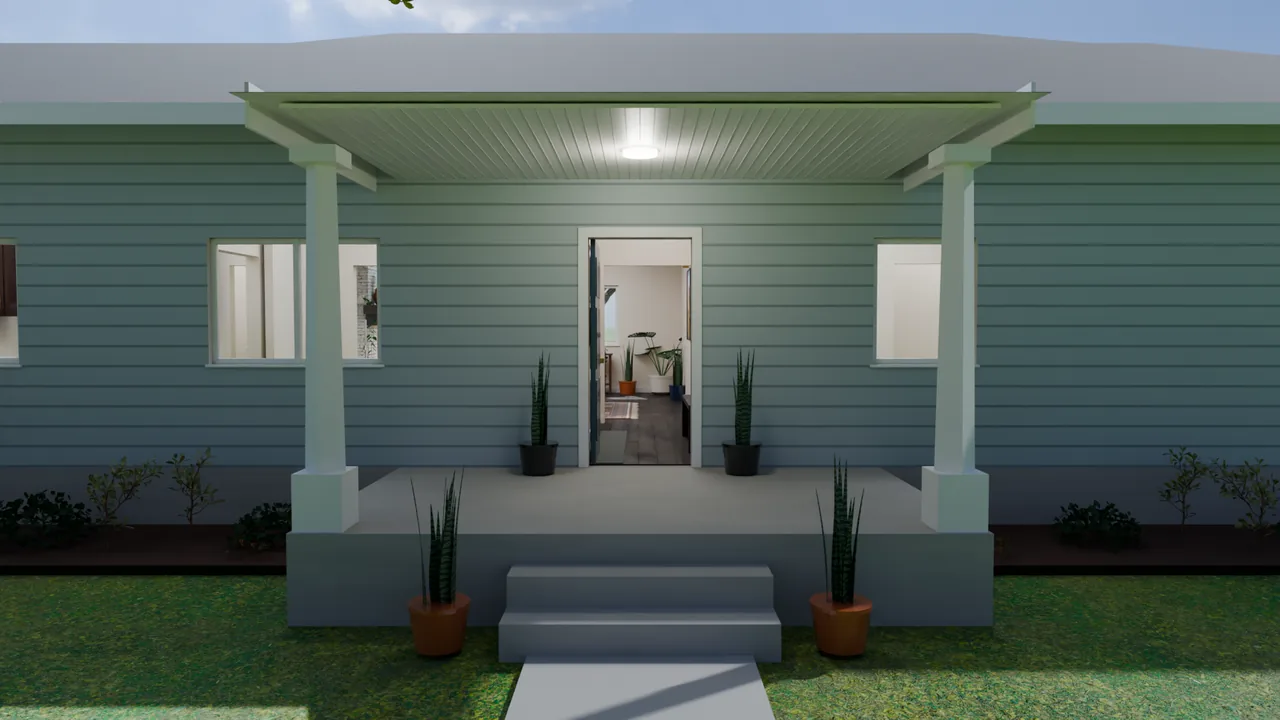
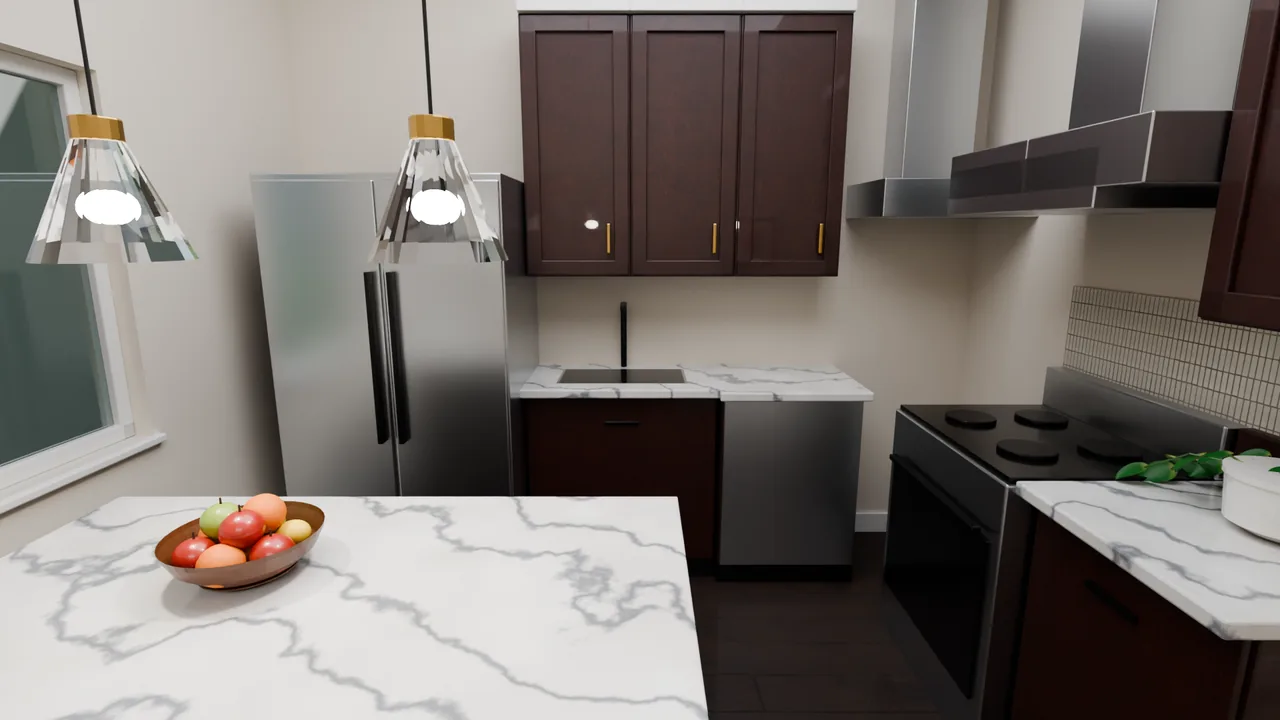
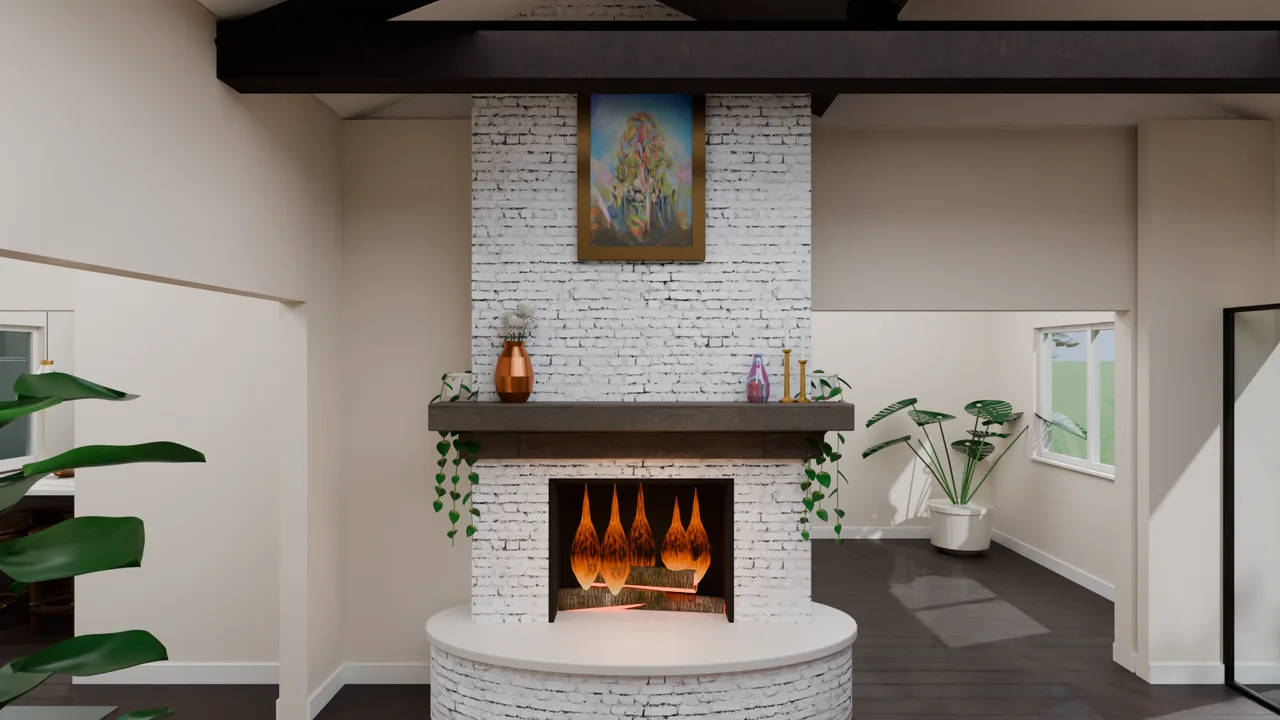
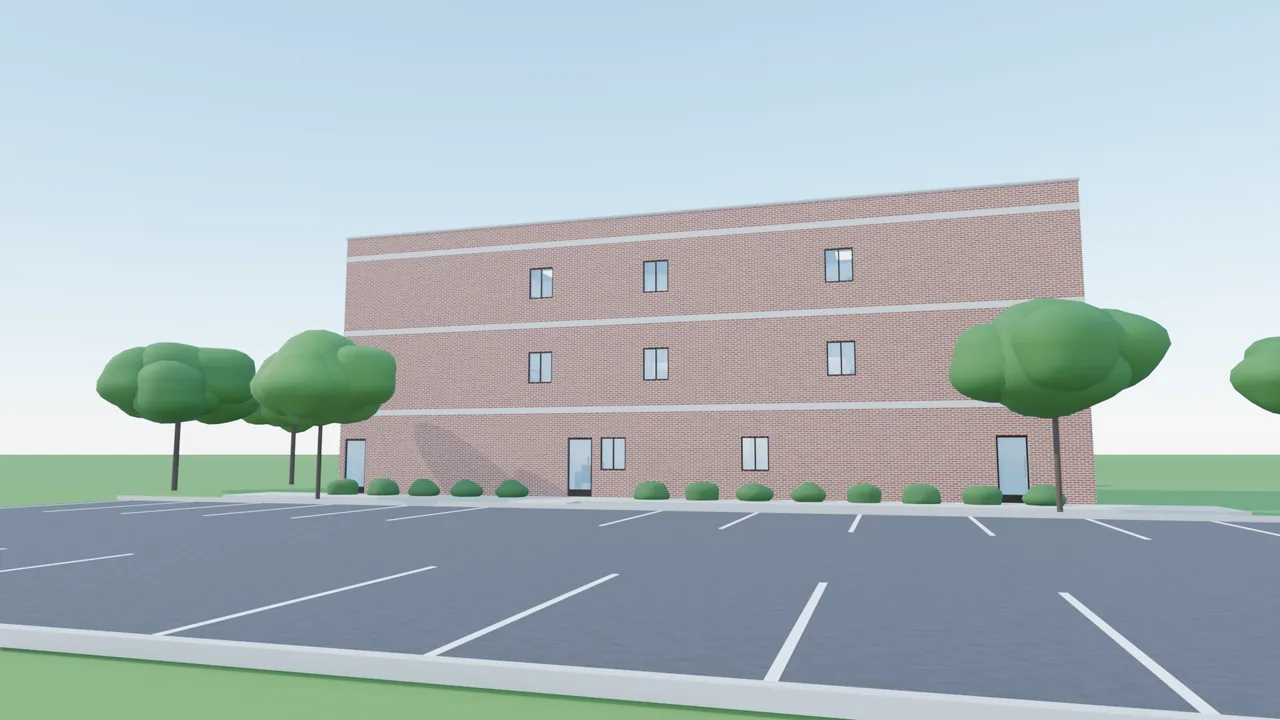
Every image on this page is a 3Dillo render of a building drawn as a floor plan first. Nothing here was modelled by hand.
What you get
- A walkthrough video (MP4) and photoreal stills (PNG) per plan
- Houses, strip centers and multi-storey offices
- Rights to the renders for your sales materials and website
- Volume for a whole catalogue through Consulting
Pricing
3Dillo Premium: $99 a month or $950 a year. Founding offer, limited time: unlimited 3D renders and drawings for 12 months, price locked.
Pay as you go: 100 credits per render, flat. Teams: Consulting, starting at $499 a month.
Unlimited is subject to fair use and available rendering capacity. The founding offer runs 12 months from signup; renewals are at the then-current Premium terms. Full terms.
Builders and construction firms: questions
Can we get a walkthrough for every plan we sell?
Yes. Each floor plan renders as its own furnished walkthrough video and photoreal stills.
Open the studio, open the plan and press Render (100 credits, or included with Premium). A builder with a whole catalogue can use Consulting, the Enterprise plan, which starts at $499 a month, runs on dedicated cloud GPU capacity and is priced on seats and usage.
Can 3Dillo render the commercial buildings we build?
Yes. 3Dillo renders strip centers and multi-storey offices as well as houses.
The three-storey office on this page was rendered from its floor plan.
Are the renders accurate enough to build from?
No. Build from the drawings: a render is a visualisation of the drawing, not a construction document.
The room layout comes from the plan, but furniture, finishes, lighting and materials are illustrative. Check every dimension against the drawing.
Can we use the renders in our sales materials and on our website?
Yes. You keep the rights to your drawings and to the renders made from them. Use them in brochures, on your website and in listings.
Furniture, finishes, lighting and materials in a render are illustrative: a render is a visualisation of the drawing, not a construction document.
What happens when we change a plan?
Render it again. Every 3D render is 100 credits, flat: a set of photoreal stills or a walkthrough video, a first render or a re-render after an edit.
On 3Dillo Premium, as a limited-time founding offer it includes unlimited 3D renders and unlimited AI floor plan drawings for the first 12 months, at a price locked for those 12 months, subject to fair use and available rendering capacity.
What files do we receive?
Photoreal stills come as PNG images and the walkthrough as an MP4 video.
Finished files are kept for 30 days and then deleted, so download what you want to keep.
How do we get a plan rendered?
Open the studio, open the plan and press Render (100 credits, or included with Premium).
Renders run on a queue and come back in the studio, where you open them full size; a walkthrough video takes longer than stills, because it is more than a thousand rendered frames.