Commercial leasing walkthroughs
3Dillo makes a leasing walkthrough of a commercial property from its floor plan: a strip center, an office floor or a medical suite rendered as photoreal stills and a walkthrough video, so a landlord or broker can show prospective tenants a space before it is built out. Start from a commercial template or upload the property's DWG or DXF, and change it with Dillo.
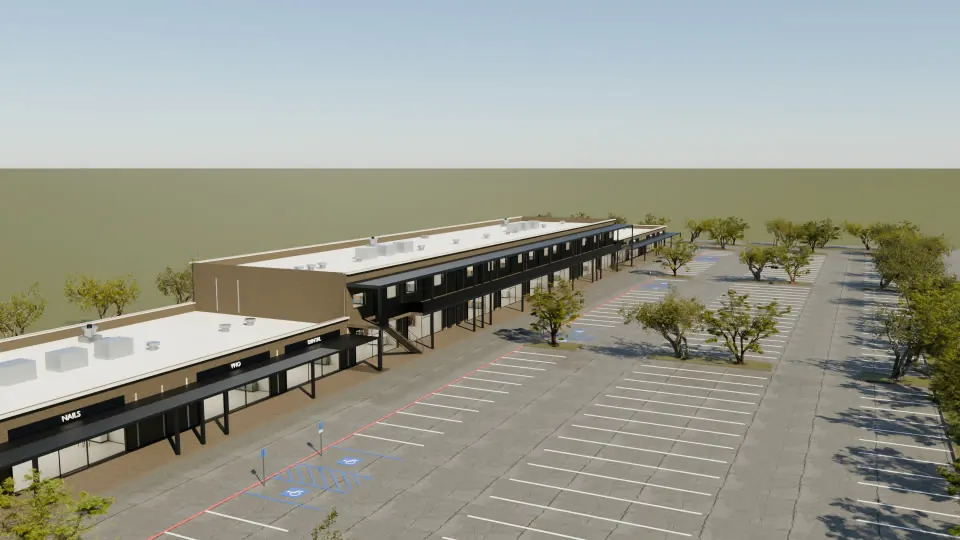
Who uses it
- Landlords and owners: show a vacant suite or a spec suite furnished from a commercial template for the use you are marketing.
- Leasing brokers: send a walkthrough and stills of a property to tenants who have not toured it.
- Developers: pre-lease a strip center or office building that is still on paper.
- Tenant reps: show a tenant their fit-out in the space, with furniture and fixtures Dillo adds one item at a time.
Commercial templates
Ready to change in the app today: glass office tower, tilt-wall warehouse, office building, retail strip, main street mixed-use, family clinic, sawtooth warehouse, metal building warehouse, single-slope warehouse. See them all on the templates page.
From your own drawing
Upload the property's DWG or DXF in the 3Dillo app under Start a Scene; importing it uses no credits. An uploaded drawing arrives as its ground floor, without furniture yet. Furnished rooms come with a plan Dillo draws or a template. The details are on DWG to 3D. Selling or building homes instead? See floor plan to 3D.
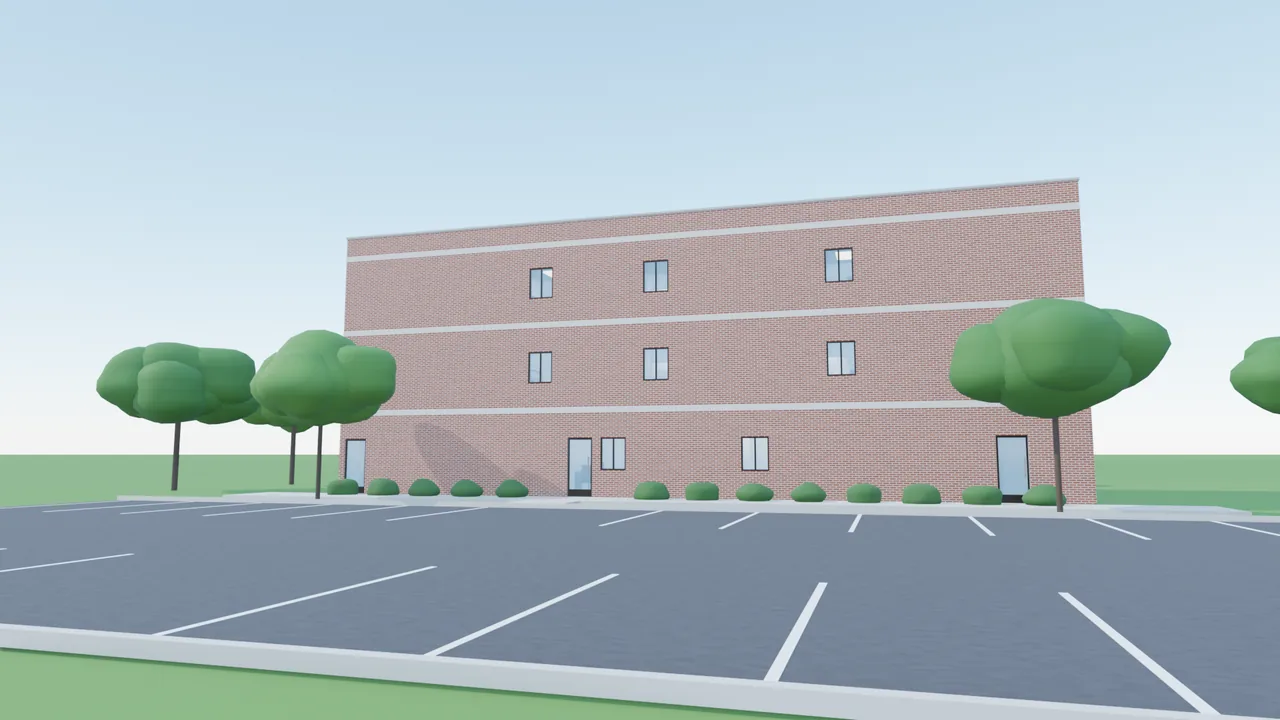
Portfolios and brokerages with many properties: see Enterprise.
Questions
Can 3Dillo do commercial buildings like strip centers and offices?
Yes. 3Dillo renders commercial plans as well as houses, including strip centers and multi-storey offices.
Teams with many projects use Consulting, the Enterprise plan, which starts at $499 a month, runs on dedicated cloud GPU capacity and is priced on seats and usage.
How do I make a leasing walkthrough of a commercial space?
Open the 3Dillo app, start from a commercial template or upload the property's DWG or DXF, tell Dillo what to change, then render stills or a walkthrough video. An uploaded drawing arrives as its ground floor, without furniture yet. Furnished rooms come with a plan Dillo draws or a template.
The walkthrough starts outside, walking up to the building and facing it, so a prospective tenant sees the property the way they would arrive at it. Dillo can set a different camera path.
Can I show a tenant a space that is not built out yet?
Yes. The 3D scene is built from the plan, so a vacant suite or a building still on paper can be shown furnished from a commercial template for the use a tenant has in mind. An uploaded drawing arrives as its ground floor, without furniture yet. Furnished rooms come with a plan Dillo draws or a template. Dillo adds furniture one item at a time.
Dillo adds, moves and removes furniture and fixtures and changes materials, the facade, the roof and the time of day. A render is an illustrative visualisation, not a construction document.